info@koortickets.nl
06 1363 9422
Wassenaar, 2244ES, 6
99239191
Klik hier voor de meest recente beta-versie van de App. Met ‘TestFlight’ van Apple kun je ‘m wel gewoon downloaden en gebruiken. Probeer maar. Eerst even TestFlight downloaden natuurlijk…
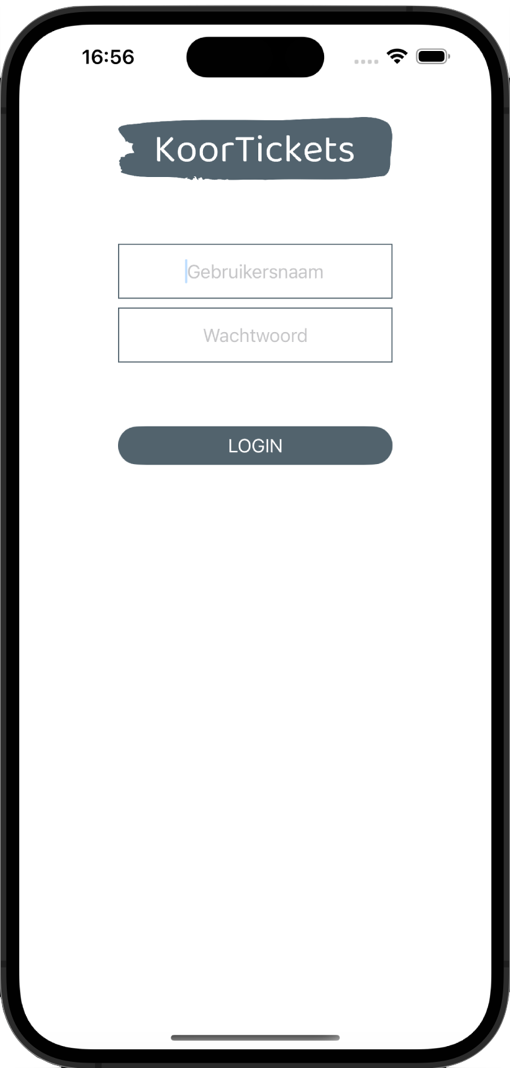
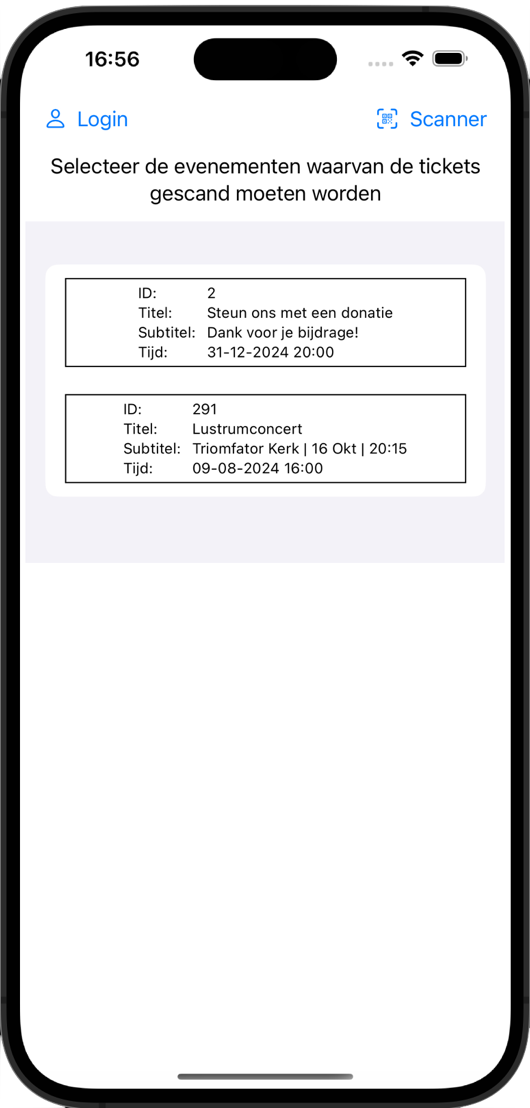
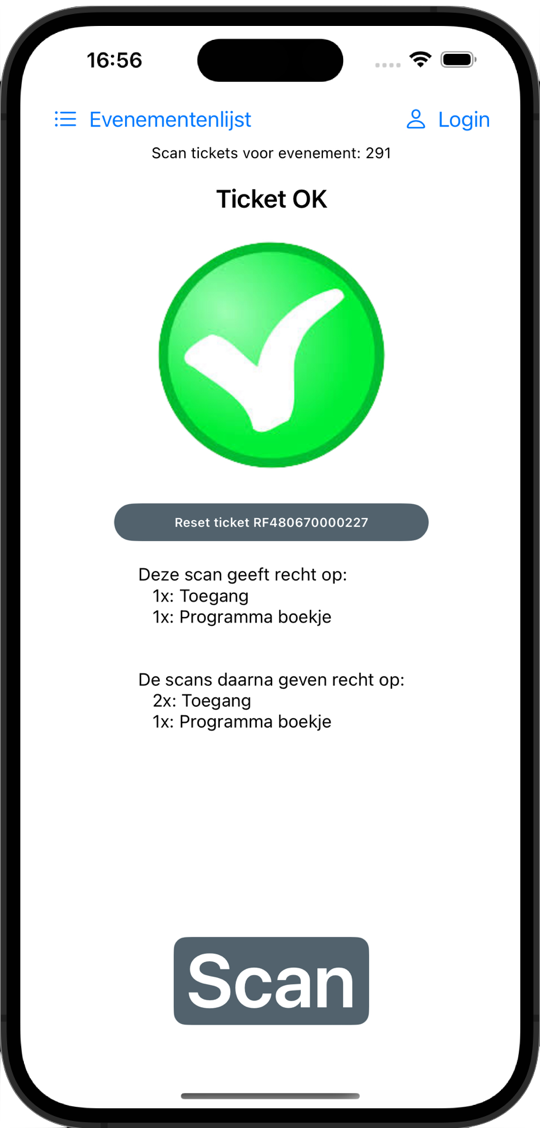
Yeah, we know… every ticket service advertises a FREE SCANNER! As if that's something special. Sigh. But: sure, we also have a free iPhone scanner, a good one. No iPhone? Then just login with your Scanner Password to get to our web-based scanner. Easy. Hardly worth mentioning, right?
You can in fact also simply use your phone's camera straight away: if you want to register the scan you'll have to provide your login details (use your normal or your Scanner Password). Without those details, you can inspect the ticket but your scan won't be registered. This way, unlike with other ticket services, your customers can also "see what's inside"... but only 'look, don't touch'. Want to scan another code? Easy: just switch back to your camera (but don't close your browser or you'll have to fill in your login details again), aim at the code, and click the link.
You can scan and process the issued tickets with any modern phone, Apple or Android. Just try it. Here is an example ticket QR code for an event of organiser …
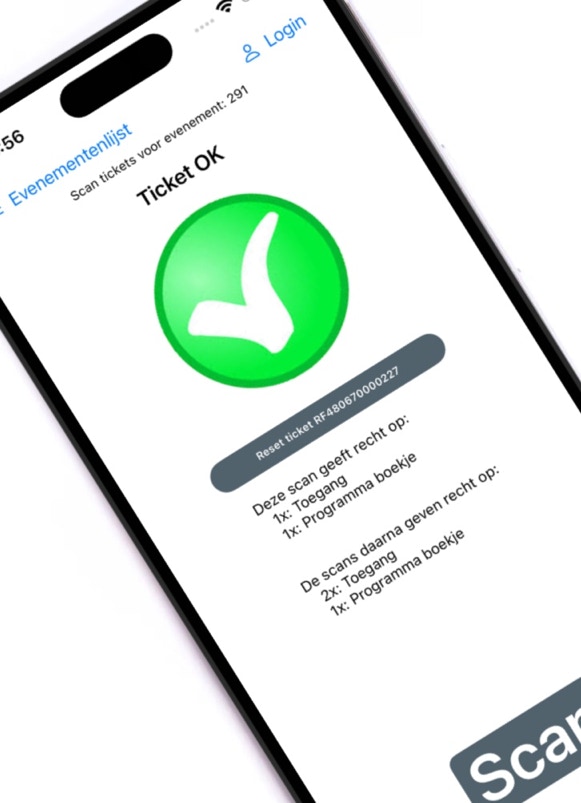
Alternatively, you can just point your camera at the QR code and click the link. You'll get a login screen where you can choose to inspect the ticket or register the scan. For the latter you'll have to provide your login details and select the event(s) for which to scan. Switch back to your camera (don't close your browser or you'll have to login again) and try a second scan: the code can be scanned up to 3 times. Accidentally scanned one time too many? No problem! You can simply 'reset' the ticket. Neat, right? We thought so too!

Example QR code (download)
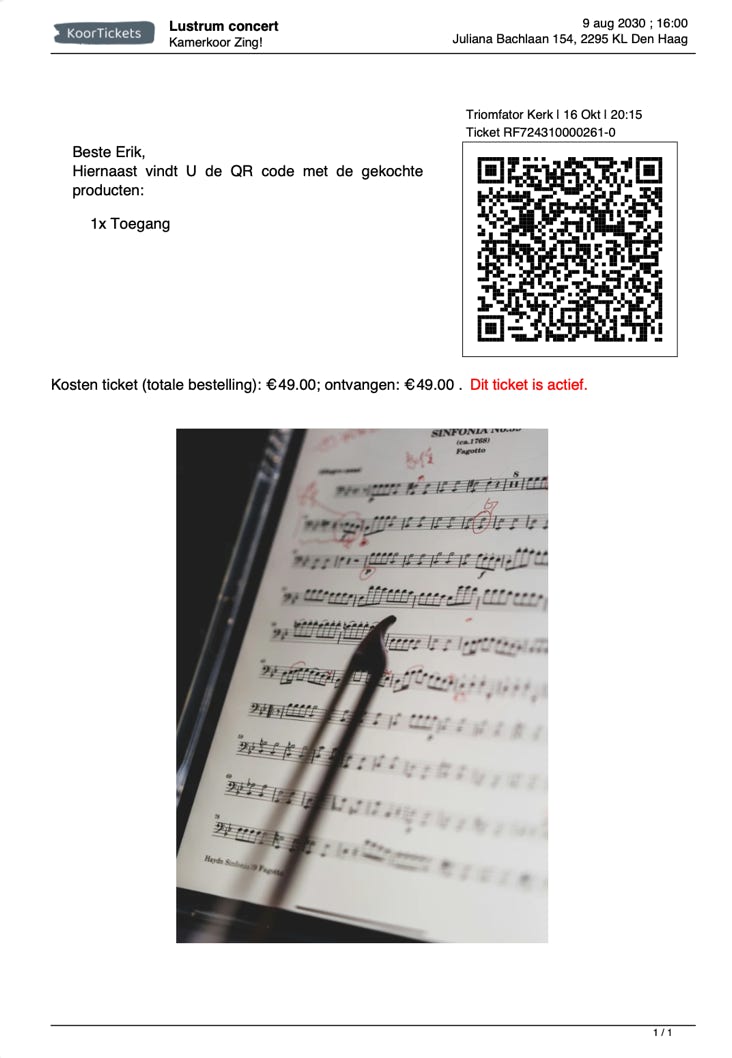
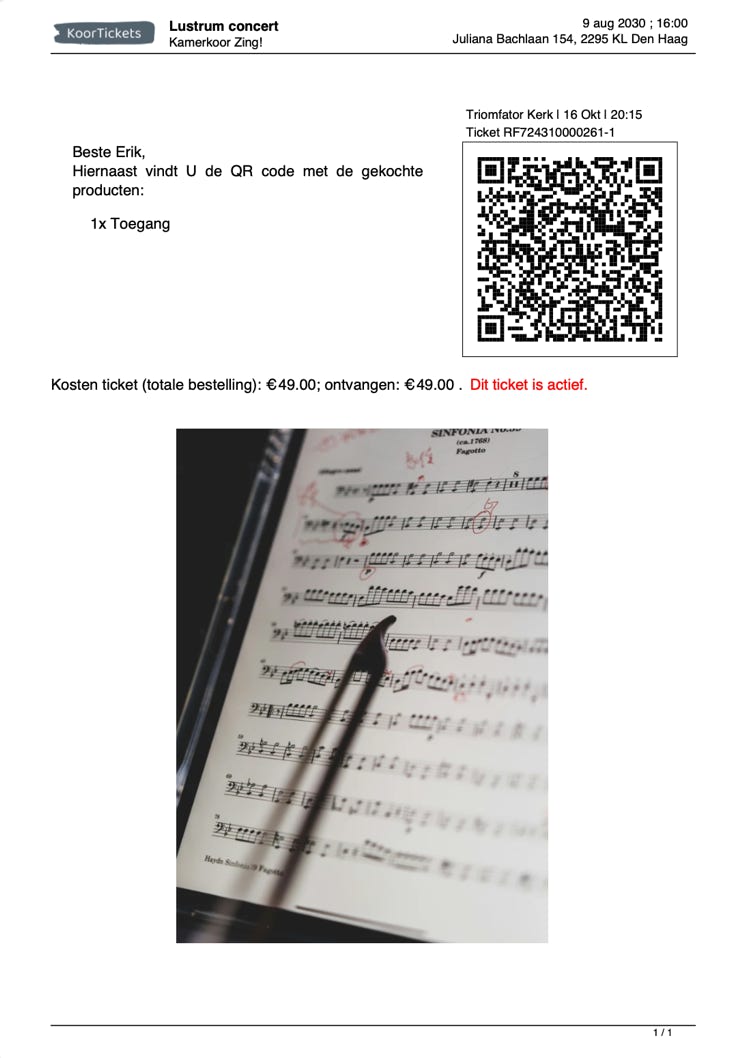
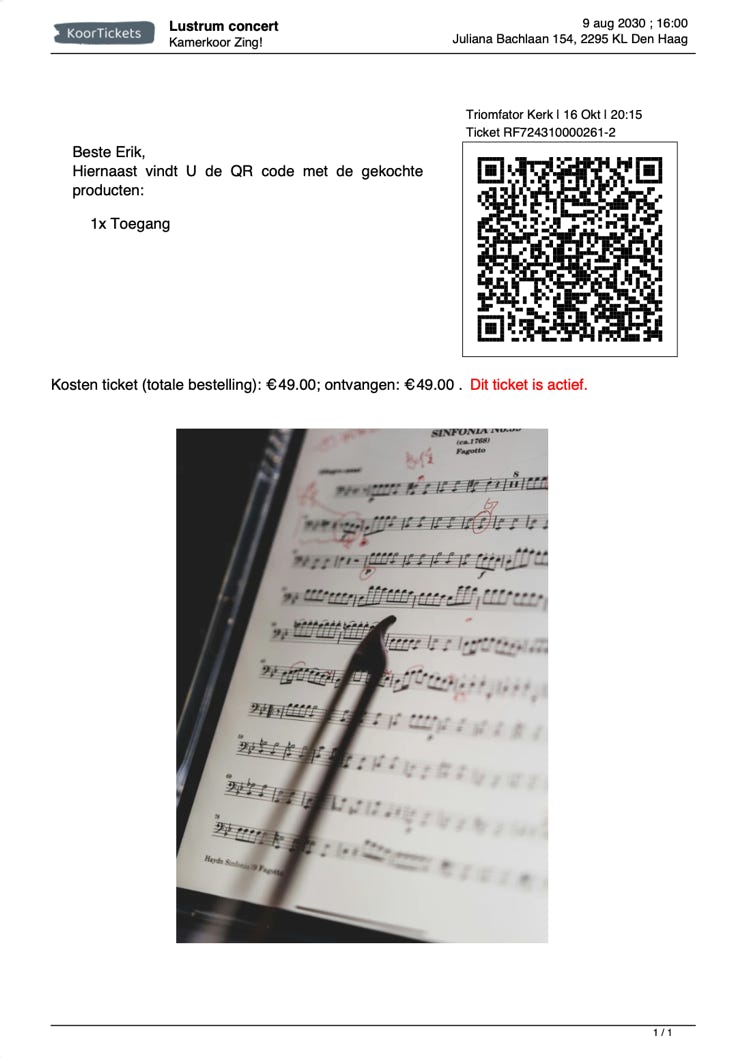

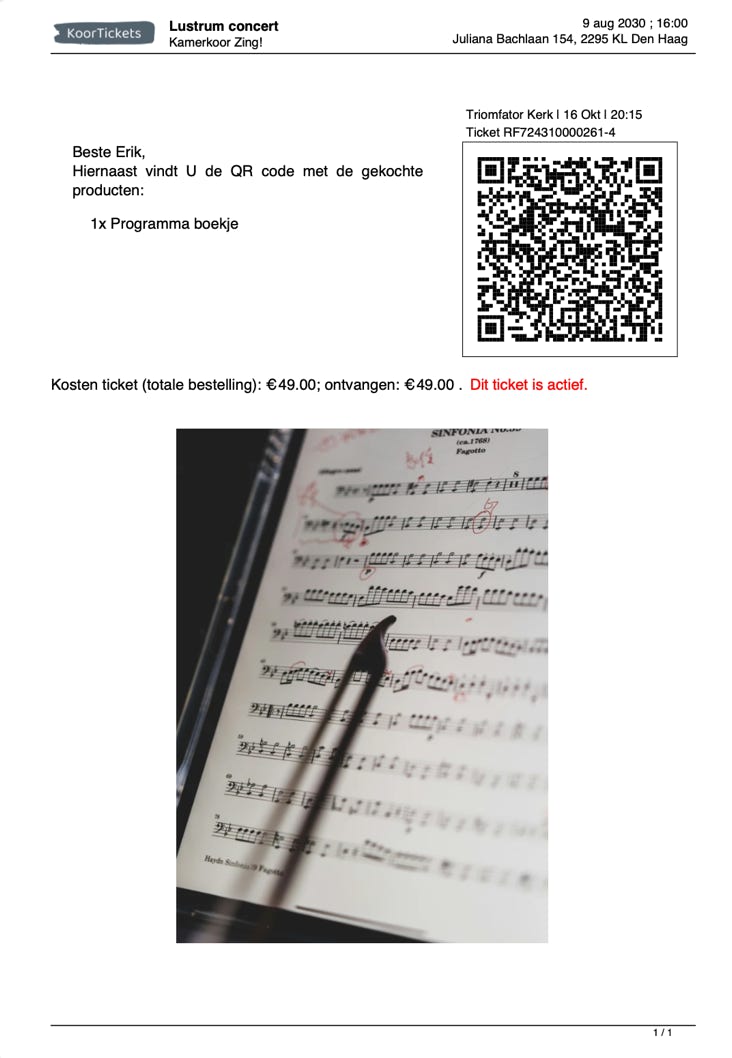
Example QR codes (download)
At KoorTickets we chose to store multiple products in a single QR code. That saves a lot of scrolling back and forth when a customer has the ticket scanned. And it makes distributing tickets that you bought in one purchase very simple: you simply send the same QR code to all your guests and everyone has it scanned once at the entrance. Neat, right?
…. but if you prefer that your customers receive 1 QR code per purchased product: not a problem! Send us an email and we will set up your account that way. No hard feelings.
…Try it! here are 5 QR-codes voor the same 5 products that are also stored in the single QR code above.
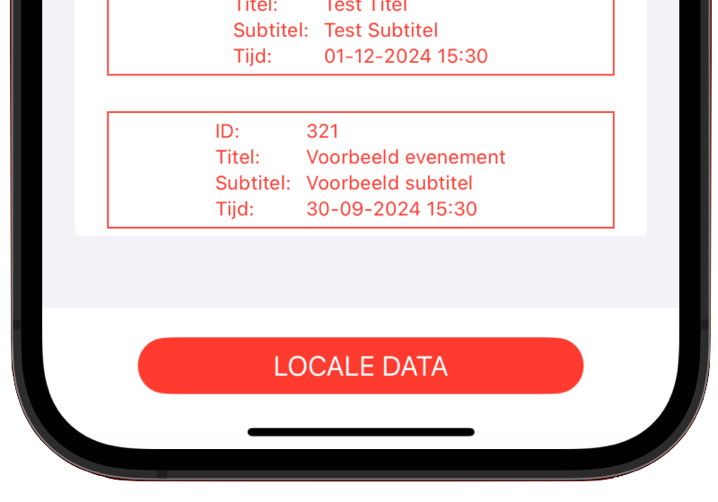
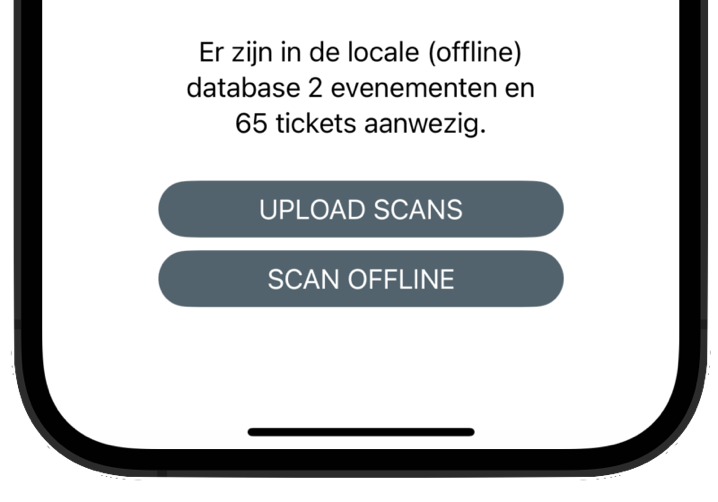
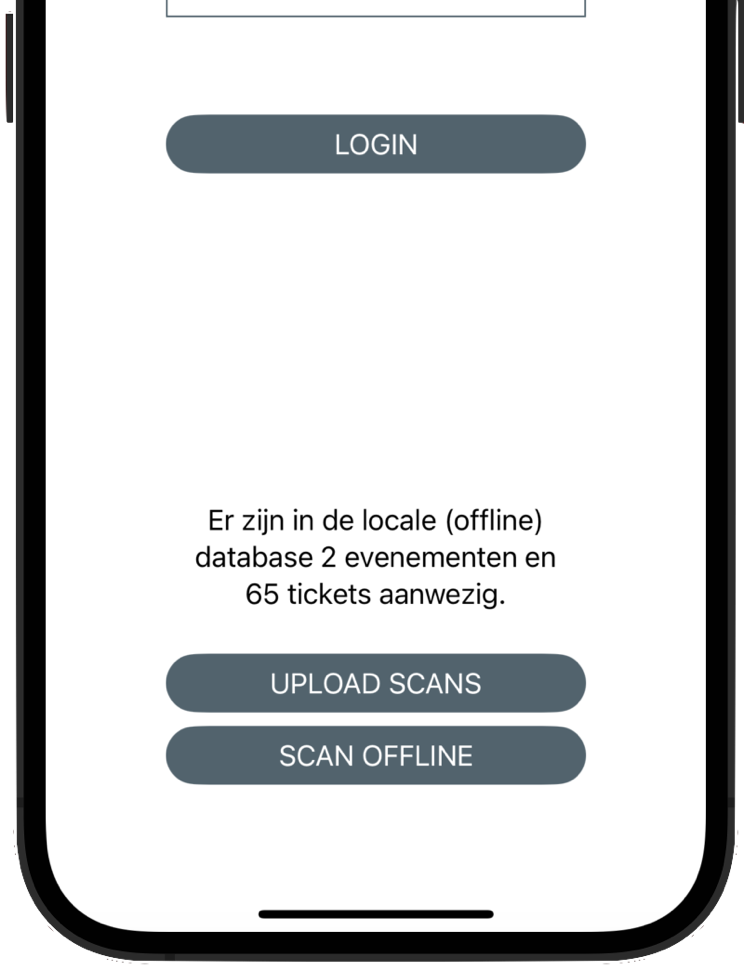
You can indeed just use your camera to scan tickets. But the iPhone KoorTickets Scanner App does have some advantages: the scanning proces is a little bit faster but, perhaps more importantly: you can use the App offline as well, and later sync with the KoorTickets database.